Audiolibrary
I built an audio media manager.
For the longest time, I have been collecting audio tracks, sent from friends and also from ripping CDs that I’ve picked up from second hand stores. This kind of dates back to the old days from when as kids we were using flip, clamshell and sliding phones from Nokia, Sony Ericsson, LG, etc. We used to send tracks downloaded from the internet (in 64kbps cough) to each other through infrared and then store them in the pathetic 16MB of internal memory on our phones.
Fast forward 15 years and now I have amassed a few hundred gigabytes of audio tracks. I’ve even been to second hand CD shops Tokyo to search for thrift buys and ripped them to find high quality tracks from decades old albums, just like digging for old treasures from a chest. I’ve also received tracks in FLAC and WAV from friends sharing through places like Google Drive, and scoured through a certain cat website for other shared rips.
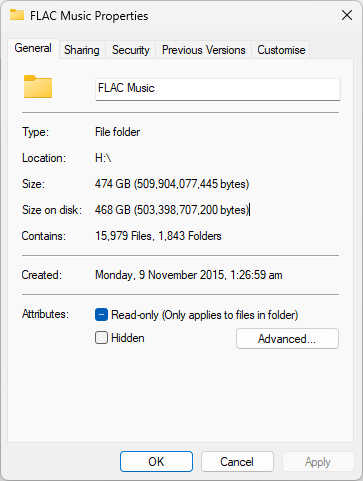
Most of us have been fine working and using the simple applications, like the legacy Windows Media Player and VLC to open and play tracks. But none of these are really friendly to large databases of audio tracks. They’re bareboned and don’t really work well as file managers to display and play more than one album of tracks at once.
You could use something like Apple Music or iTunes, which was what I did years ago. It had a ‘Automatically Add to iTunes’ folder than when you dropped tracks into, it would get sorted properly into your iTunes library, generating a folder in the name of the Artist, and then within, folders for the Albums. I thought that was pretty neat. But around 2021, Apple has moved away from .m4a into their proprietary .movpkg files that is only readable within the ecosystem. Now as an Apple Music subscriber, if I downloaded a track using Apple Music, it overwrites the existing stored track as .movpkg, and I would never see my FLAC file again.
I moved away from using iTunes and went with just using foobar2000 for my own local tracks and Apple Music separately. Couple weeks back, I decided to build one for myself. I pulled ideas from Apple Music’s UI as a decent starting point for what I wanted to make, and had some other extra ideas that I wanted to add on top of it.
Current Progress
Stack
I’ve built my previous web application in React, so I wanted to a give Angular in Typescript and Tailwind a go this time to feel the difference. Simple backend with mutagen to extract the metadata, SQLAlchemy to store and Flask for the backend API. Was also considering to have it packaged together instead of having it as a web application so my friends would feel more private knowing the application is local and does not require an internet connection. If so, I’ll port it to Electron at the end after I’m done with some of the key features and pushed out a v1.0.
Things are still a work in progress, many features still lacking, especially the key ones like metadata viewing and editing.
Pages
Library
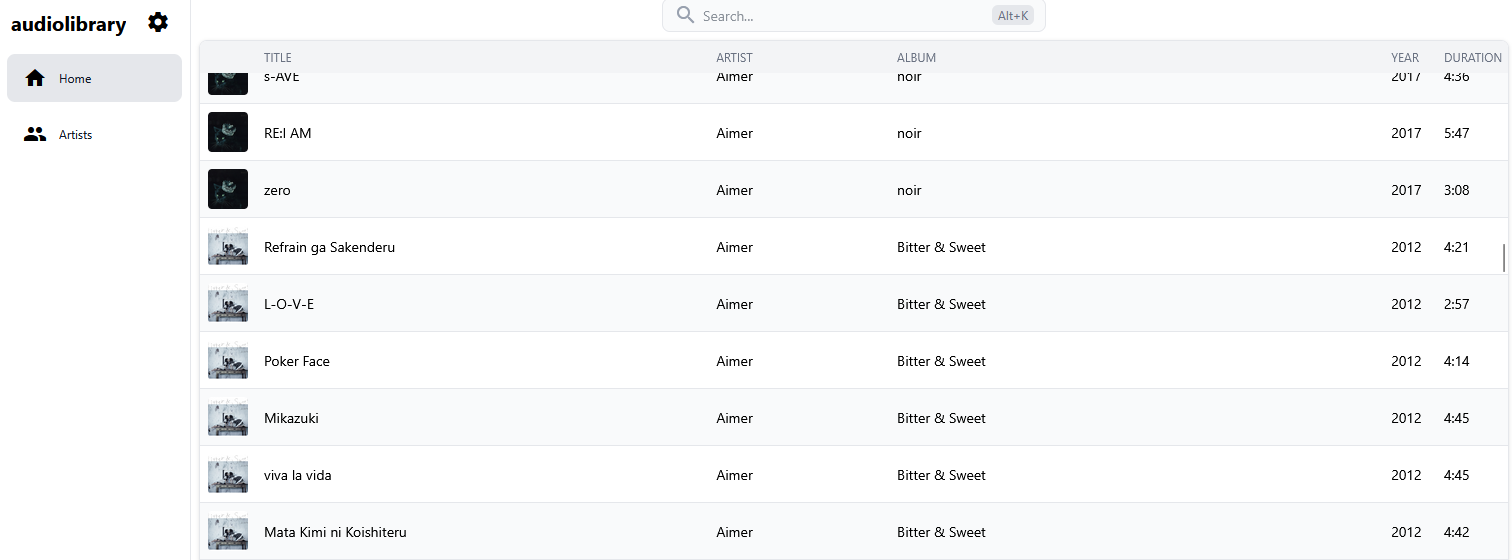
Artists Page
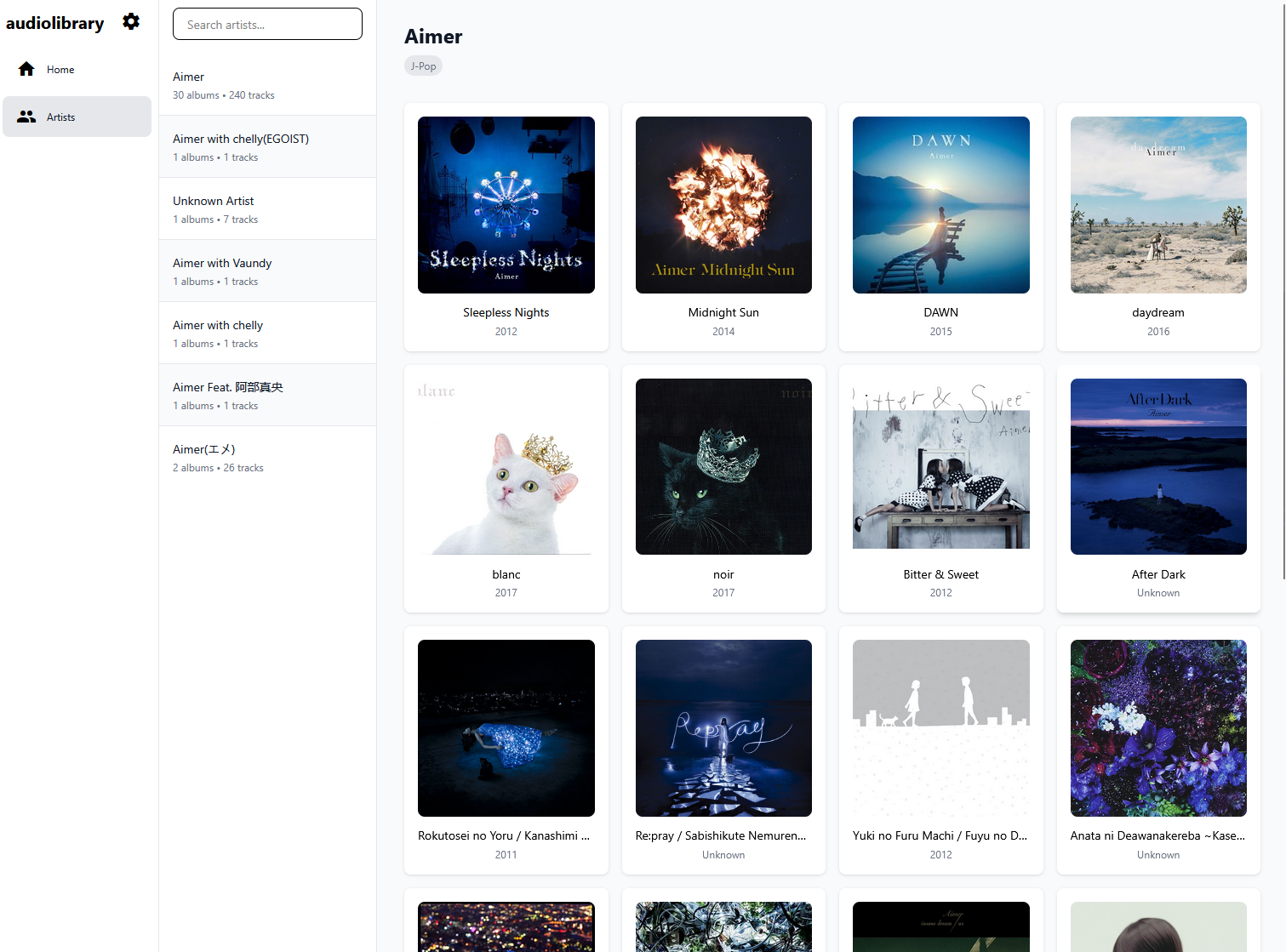
Clearly I need to do some aliasing for artists, to fuzzy match them so that I don’t have 7 different Aimers when they’re all just same artist. 🙃
Album Page
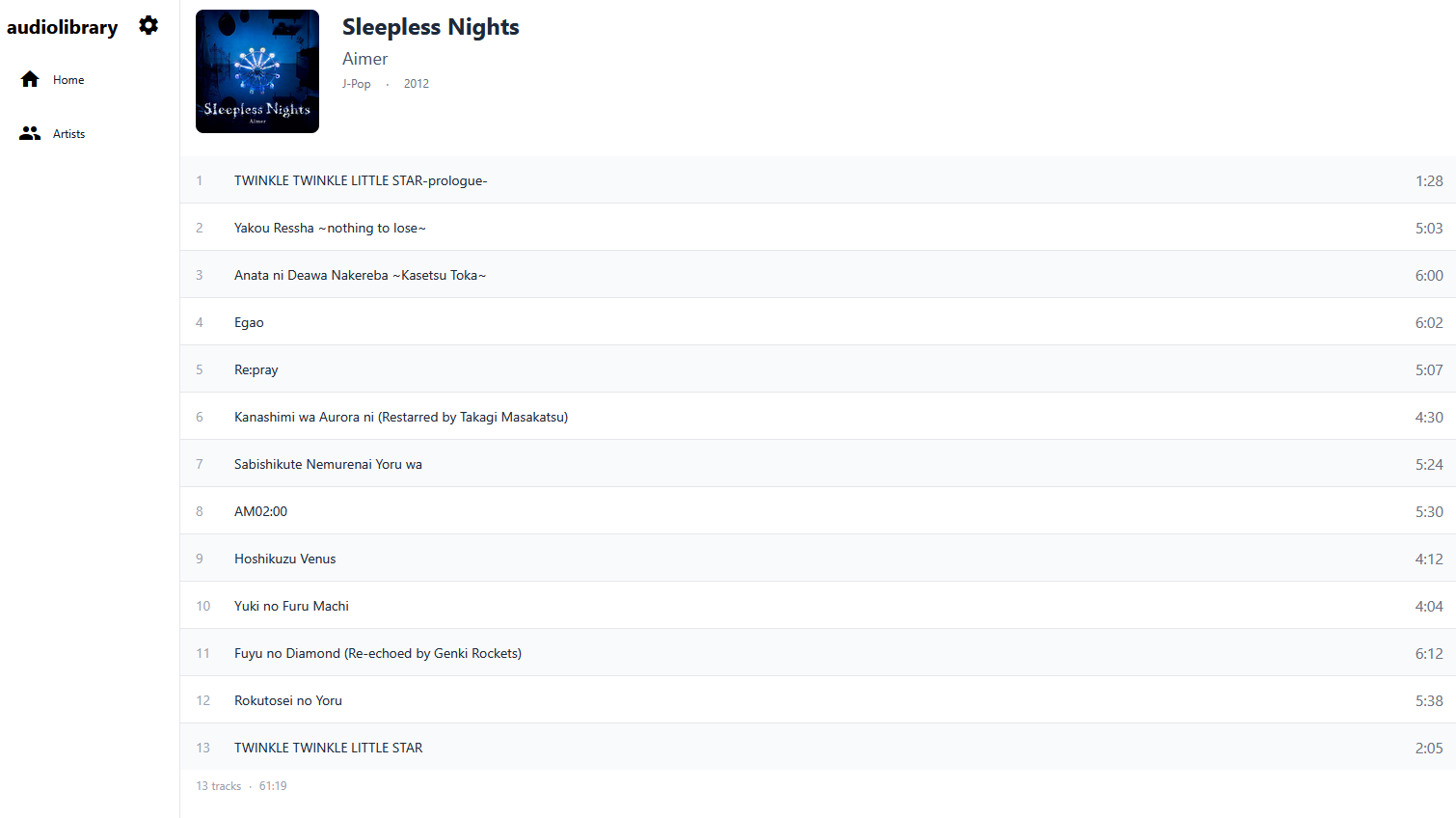
Settings Page
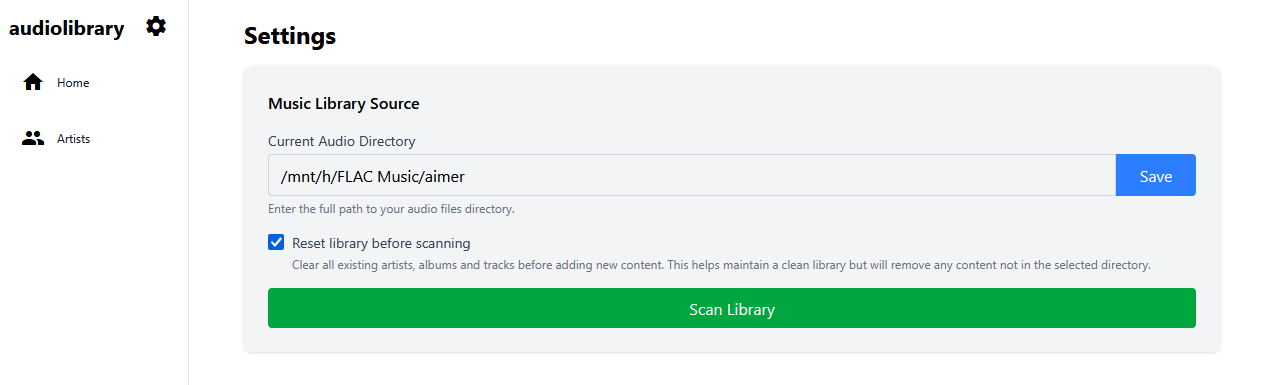
For the most part, while the UI looks like a ripoff from Apple Music, (and without a dark theme yet), there’s something to look at and play around with for now.
At the moment, you have to input the source directory manually. That is kind of annoying, but will fix when I package it together with Electron. I need to speed up the reading of source directory as well, either by cutting down on what needs to be read as metadata or improving on the single background thread thats chugging through the files.
You can find my working to-do list for this project here, if you’re interested to take a peek.
I teased a friend who’s also a fellow audio lover that I’m building sometime for him to use and to look forward to the finished product. I can’t wait to show him the v1.0 and have him switch over from VLC.